For extension professionals
Never Forget an
Extension Installation
Formulas, placements, and maps — in one place.
Session Details
Emily Harper
7/1/26, 2:04 PM
Hairshop
Type
K-tip
Bundle Length
3.0"
7 Bundles
Bellami
Type
K-tip
Bundle Length
4.0"
Document Every Detail. Recreate Every Look.
Everything you need for a complete client record — formulas, placements, photos, and notes — organized for the next appointment.
Color Formulas
Save exact blends for every client and recall them instantly.
Lengths & Bundles
Track lengths, bundle counts, and inventory per installation.
AI Voice Installation
Capture placement details hands-free while you work.
Extension Map
Visual maps so every reinstall matches the original look.
Photos
Document each session with before-and-after references.
Client Notes
Keep preferences, sensitivities, and session notes in one place.
How it Works
Three simple steps from chair to map — designed around the way extension artists actually work.
- 1
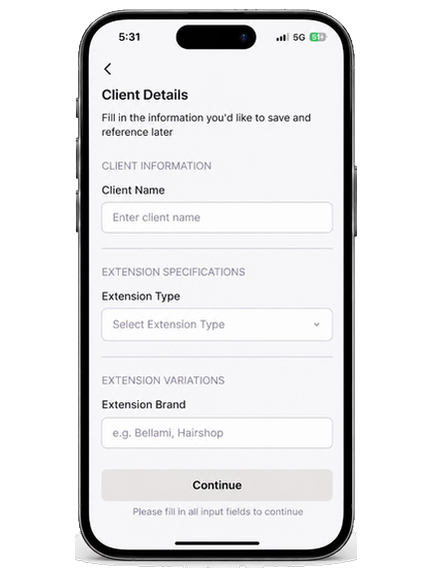
Record the Details
Log brand, type, length, and bundle counts for every extension session — while the client is still in the chair.
- 2
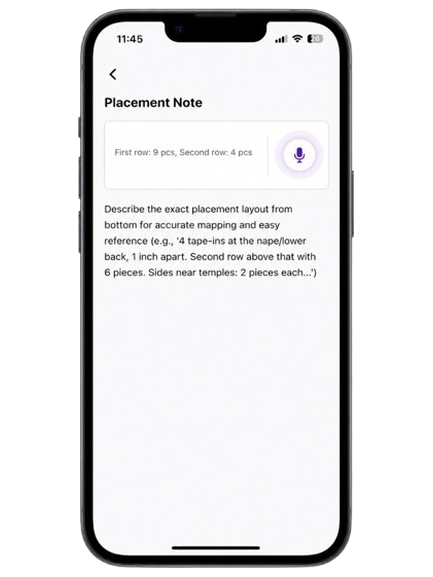
Complete AI Voice Installation
Speak placements as you work. Unity Hair captures the install so nothing gets lost mid-session.
- 3
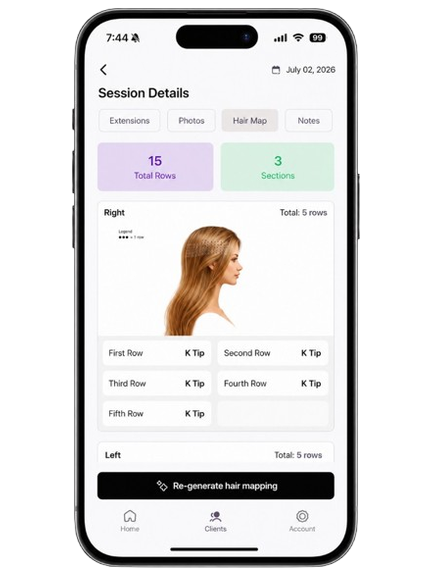
Get Your Extension Map
Open a clear placement map so the next appointment matches the original look — every time.